
Gaming Stickers: Level Up Your Setup Without RGB Everything
By the StickMeCrazy crew · September 11, 2026 · 4 min read
Gaming stickers are the cheapest battlestation upgrade there is, and the only one that needs no USB port. One well-placed sticker on a laptop lid says more about your taste than a $200 RGB strip ever will. Here's how to build a setup that looks like yours, not like a render from a manufacturer's website.
The five zones of a properly stickered battlestation
- Laptop lid — the marquee spot. One large sticker or a tight cluster reads intentional; a lid wallpapered edge to edge reads like a fever dream.
- Monitor back — the face you show the world. One statement piece you'll see every time you walk in.
- Headset — one small sticker on an ear cup or headband, clear of the mic boom so nothing rattles.
- Controller case — flat, protected from grubby hands, big enough to hold a theme. Where collections go to flex.
- Desk mat — the low-key zone. A corner sticker survives mouse traffic and quietly grounds the setup.
A good layout borrows the 60/30/10 rule from lighting builds: one loud zone (lid or monitor back), one medium (case or headset), the rest quiet. Clusters look designed when they share a palette or genre, so pick a lane — pixel art, cozy farming sims, sweaty ranked energy — and commit to it.
Loadout drops

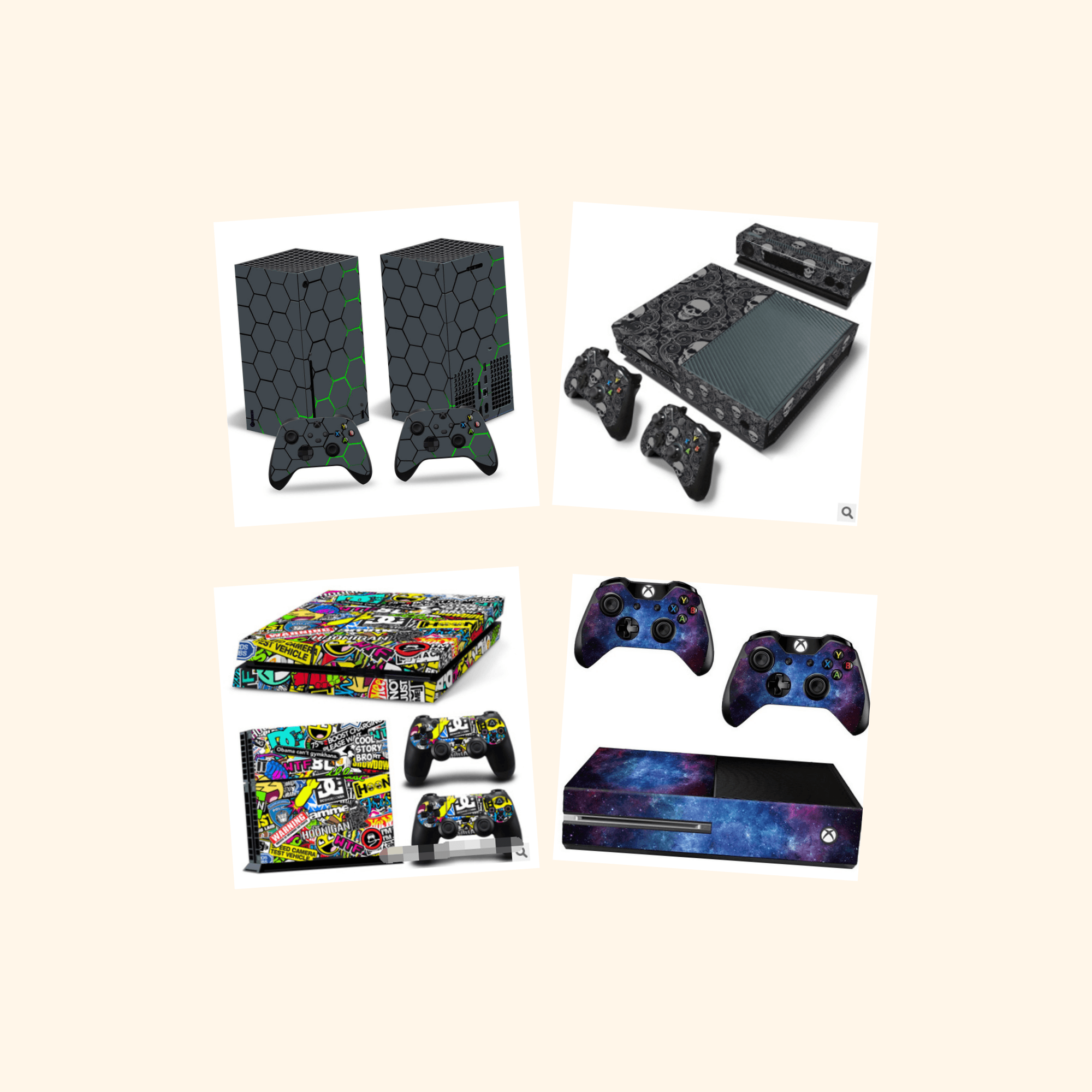
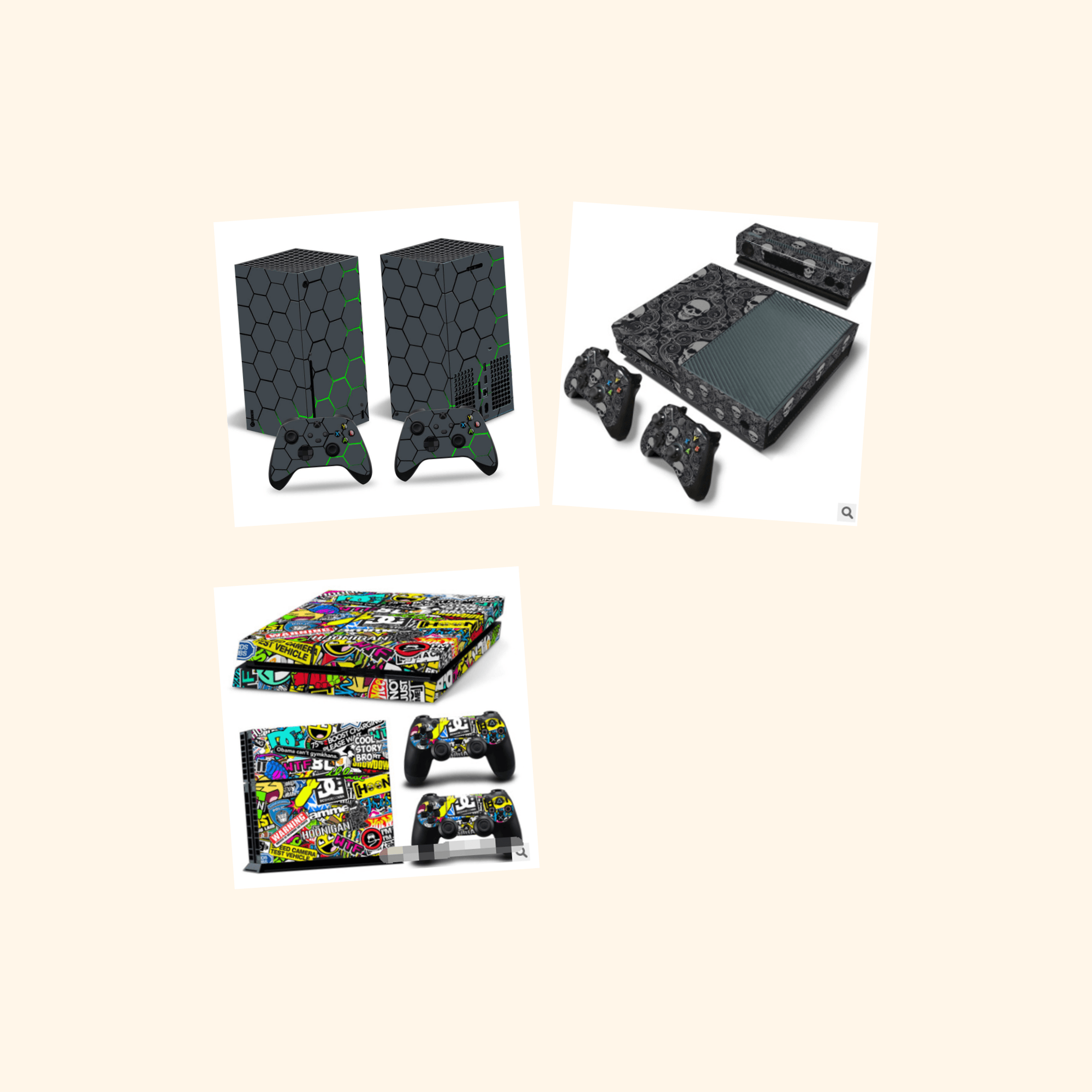



Retro gaming stickers hit different
Half of gaming culture is nostalgia with better graphics. Pixel art, CRT-era mascots, cartridge and arcade cabinets — retro gaming stickers land because they signal you were there, or that you respect the canon enough to fake it. They're the fastest way to make a new laptop feel like it's been with you since the golden age. If your heart beats in 16-bit, our retro stickers guide covers the vintage end of the shelf.
Stickers vs decals: what actually matters
People use the words interchangeably, and the distinction barely matters for a setup. Decals traditionally mean single-color cut vinyl; stickers mean full-color printed designs. What matters is the cut and material. Ours are kiss-cut — the blade slices the sticker but not the backing — so you get a clean peel with no wrestling and no torn corners. Thick, water-resistant vinyl with a laminate shrugs off dust wipes and the occasional energy drink splash.
Bubble-free application is a technique: clean the surface with isopropyl alcohol, line up one edge, then smooth outward with a card rather than slapping it down. Do it right and there's not an air pocket in sight.
Esports energy without the licensing fees
You love your favorite team. Your wallet does not love official merch prices. The move: build fandom energy with original designs in your team's colors — no logos, no licensing markup, a setup that reads superfan instead of walking billboard. Color-matched layouts on a controller case read as team gear from across the room. And if your competitive spirit lives mostly in the group chat, mix in some funny stickers to cover the full emotional range of ranked play.
When a laptop lid can't hold your passion and the wall itself needs to get involved, our sister guide to gaming stickers for wall has you covered — start with the desk, then let it spread.
Bonus stage: retro picks
Quick answers
?Do stickers damage laptop lids or monitors?
Not when you apply them right. Kiss-cut vinyl on a clean, smooth laptop lid peels off years later without a mark. Never stick anything on the actual screen. On lids and bezels, wipe the surface first so grit doesn't get trapped and scratch the finish.
?Can a gaming laptop's heat ruin stickers?
A gaming laptop's lid gets warm, not furnace-hot — the real heat leaves through the side and rear vents, and laminated water-resistant vinyl handles lid temperatures without bubbling or curling. The one sin is covering an exhaust vent. Keep stickers off the grilles and your art will outlive your GPU warranty.
?How do I remove a sticker without residue?
Warm it first with a hair dryer for 20–30 seconds to soften the adhesive, then peel slowly at a low angle, pulling against the sticker rather than away from the surface. Any glue ghost left behind wipes off with isopropyl alcohol or a drop of adhesive remover.
?What's the best sticker size for a controller case?
Go small: our POD singles come in three sizes, and the smallest fits a case's flat panels best — big enough to read, small enough to clear the latches and grips. Since every sticker is printed to order, we can't take change-of-mind returns — measure the empty panel first. Measure twice, stick once.
Press start on your setup
Everything ships free over $15 ($3.99 flat under), printed to order and delivered in 5–10 business days. If a sticker ever shows up misprinted, damaged or lost, send us a photo and we'll make it right within 30 days. Now browse the full gaming sticker collection and give your setup the personality it deserves.
Sticker-bomb your life.
Every sticker above is printed on thick, water-resistant vinyl and ships free over $15.
Shop gaming stickers